Time tracking for small teams
By Lars Falk Sohl · Last updated: 8 September 2026
Somewhere between three and fifteen people, the shared spreadsheet quietly stops telling the truth. This guide covers how a small team chooses and rolls out its first real time tracker: when the spreadsheet fails, what to ignore in enterprise feature lists, a one-week adoption plan, and what to measure in the first month.
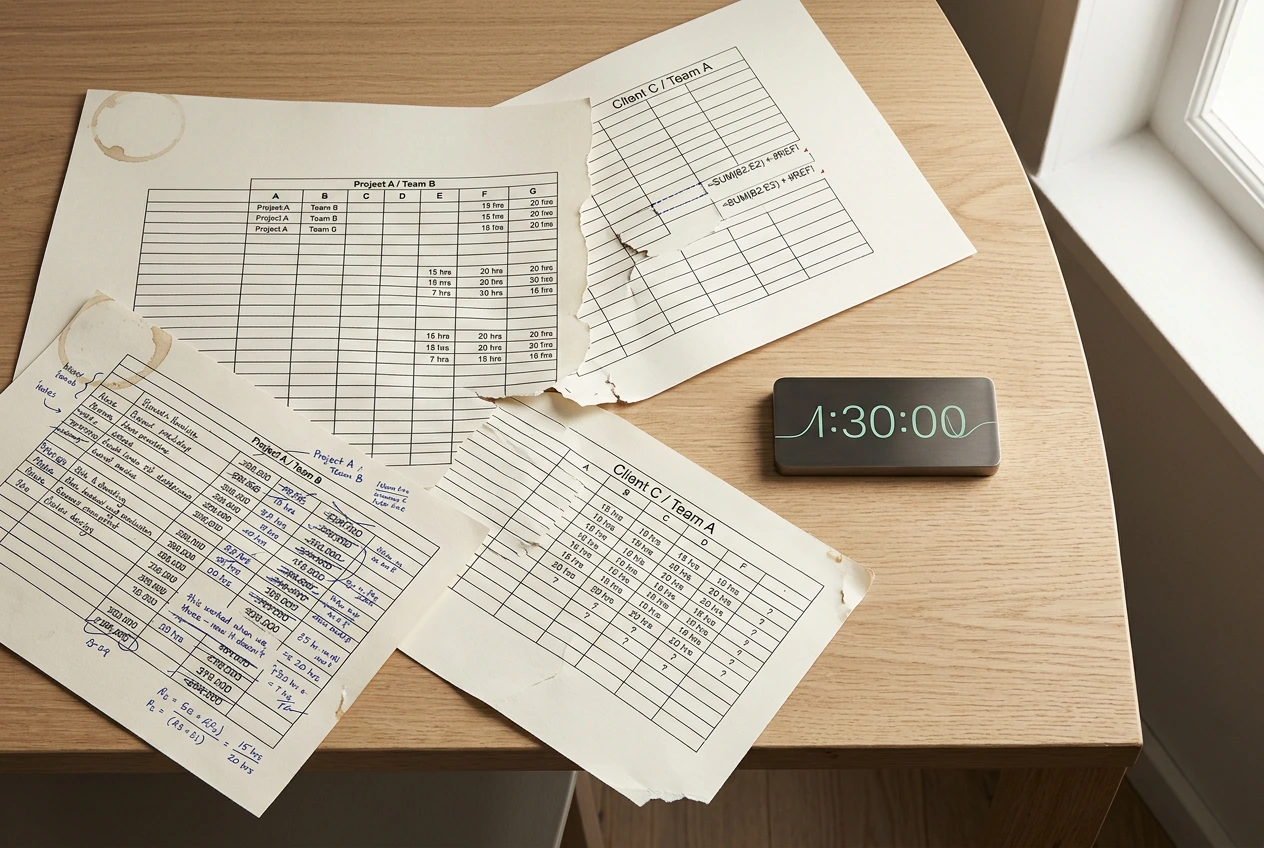
When the spreadsheet stops working
Almost every small team starts with a shared spreadsheet, and for two or three people it is genuinely fine. Then the team grows, and the same failure modes appear almost on schedule:
- Friday archaeology. People reconstruct the week from calendar entries and memory. A four-hour task becomes "about three", a forgotten call becomes zero. The numbers drift from reality, and everyone quietly knows it.
- The template forks. One person adds a column, another builds their own tab. Within a month you have five formats, and collating them into one client report takes an afternoon.
- No live number. You discover a project has burned through its agreed hours at the end of the month, when the invoice conversation is already awkward.
- Silent breakage. Someone sorts a range, a formula stops summing, and nobody notices until a client questions a total.
None of this means your team is careless. It means reconstructing time after the fact does not work. The fix is not a better spreadsheet — it is recording time as it happens, with a timer; in the EU that is no longer merely good practice, since employers are required to record working hours.
What small teams need — and what enterprise tools push
Search for time tracking for small teams and most of what you find is built for organisations of two hundred, not twelve. It is the same story if you go looking for the best task timer for a small business: the names that rank are enterprise suites with a small-business landing page bolted on. The feature lists tell you what to expect: approval workflows, timesheet locking, activity scoring, screenshot capture, admin hierarchies.
For a team of 3 to 15 people, most of that actively hurts. A tracker only produces useful data if people use it every day, and every extra step reduces the chance they will. Approval chains add a job nobody wants. Surveillance features tell your team you do not trust them — a strange message to send eight people you hired personally.
What a small team actually needs is short:
- One timer that starts with one click
- Projects and clients to book time against
- A clear way to track billable hours separately from internal work
- Exports a client or accountant will accept without questions
- Per-seat pricing that flexes as the team changes
| Enterprise tools push | A small team needs |
|---|---|
| Approval workflows and locking | A shared habit and a weekly review |
| Activity scoring and screenshots | Trust, and honest numbers |
| An integrations marketplace | CSV and a printable timesheet |
| Admin roles and hierarchies | One person who can manage seats |
Simplicity is not a compromise here. It is the feature that decides whether the tool gets used at all.
A one-week adoption plan
Rolling out a team time tracker is a habit change, not a software project. One focused week is enough:
- Day 1 — set up. Create your projects and clients, and keep the list short: if people face forty options, they will pick the wrong one or none. Invite the team.
- Day 2 — one task each. Everyone tracks a single task with the timer. The goal is to prove it takes seconds, not to get complete data.
- Day 3 — a full day. Everyone tracks their whole working day. If your tracker has a browser extension, install it now, so starting a timer never means switching tabs.
- Day 4 — review together, no blame. Look at the gaps as a team. Rename confusing projects. Agree simple conventions: what counts as billable, where meetings go.
- Day 5 — export something. Produce your first timesheet and show it around. When people see the output — the thing that goes to a client or feeds payroll — the daily habit gets a reason.
After that, a ten-minute review each Friday keeps the habit alive. Consistency beats precision: 90% coverage every day is worth more than perfect data every other week.
What to measure in the first month
Resist measuring productivity in month one. Time tracking for small teams succeeds or fails on adoption, so measure that first:
- Coverage. How many working days have entries, per person? This is the only number that matters early. If it drops, ask what is adding friction.
- Billable share. Once people reliably track billable hours, you can see what proportion of the team's week is billable — usually the first genuinely surprising number.
- Time to report. How long does a client-ready timesheet take to produce? It should have fallen from an afternoon to minutes.
What not to measure: individual output, gaps in someone's Tuesday, who tracked the least. The moment tracking feels like surveillance, people stop tracking honestly, and the data becomes worthless.
Where Klokly fits
Klokly is built for exactly this situation: a small team that bills or reports on time and wants the recording part to be boring. One timer, one click, in the web app or from the Chrome extension — you can even right-click selected text to start tracking it. Exports are the two formats small teams actually need: CSV, and printable timesheets via your browser's print or Save as PDF.
Pricing fits a changing team: from €2 per seat/month, with a free trial that runs 14 days and no credit card required. Add or remove seats anytime; billing is prorated. Data is hosted in the EU and isolated per company at the database level, and there are no analytics or tracking cookies — see the privacy policy.
Klokly is also deliberately limited, and you should know that before choosing it. There is no invoicing, no project budgeting or forecasting, no screenshots or activity scoring (no surveillance by design), no native mobile apps yet (the web app works on mobile), and no integrations marketplace. If your team needs built-in invoicing or deep integrations, a broader tool such as Toggl Track or Harvest — both mature, feature-rich products — may be the better choice: Harvest's paid plans start at $9 per seat a month, and Toggl's run about 10% cheaper billed annually than monthly, per each vendor's own pricing page.
If what you need is a calm team time tracker your people will actually use, start a free trial and run the one-week plan above.
Frequently asked questions
- When should a small team switch from a spreadsheet to a time tracker?
- Usually between three and five people, or as soon as you bill clients for time. The reliable signs are reconstructing hours from memory at the end of the week, forked spreadsheet templates, and discovering budget overruns only at invoicing.
- How do you get a team to actually use a time tracker?
- Pick the simplest tool that covers billable tracking and exports, then run a short structured rollout: one tracked task on day two, a full day by mid-week, a shared no-blame review, and a visible export by Friday. Adoption depends on low friction and a weekly habit, not enforcement.
- Do small teams need activity monitoring or screenshots?
- No. Surveillance features damage trust and discourage honest tracking, which makes the data worse rather than better. A small team gets more accurate numbers from a simple timer people are comfortable using every day — plus an idle auto-stop each person switches on for themselves, which catches the timer somebody forgot rather than the person who forgot it.
- What should a team measure in its first month of time tracking?
- Measure adoption before productivity: how many working days have entries per person, what share of tracked time is billable, and how long a client-ready timesheet takes to produce. Avoid ranking individuals, which pushes people to stop tracking honestly.
- What does Klokly cost for a small team?
- Klokly costs from €2 per seat per month, with a 14-day free trial and no credit card required. Seats can be added or removed at any time and billing is prorated.
Klokly is simple time tracking for teams — EU-hosted, from €2 per seat per month, with printable timesheets built in.
Start your free 14-day trialMore guides
The best task timer for a small business is the boring one
An argument about what "cheap" really means when a five-person business picks a task timer — and where Klokly is the wrong choice.
Read →GDPR-compliant time tracking, in plain terms.
What GDPR means for employee time data: the questions to ask any vendor, Schrems II in plain terms, surveillance pitfalls, and why EU hosting helps.
Read →7 best Toggl Track alternatives, honestly ranked
Seven honest Toggl Track alternatives compared — who each is for, where it shines, and exactly when to skip it, including our own tool, Klokly.
Read →